 PubCounter
Simplify Your Publication Inventory
A modern web app for Jehovah's Witnesses congregations to track publication inventory with weight-based counting, real-time sync, and automated reports.
Everything You Need to Manage Inventory
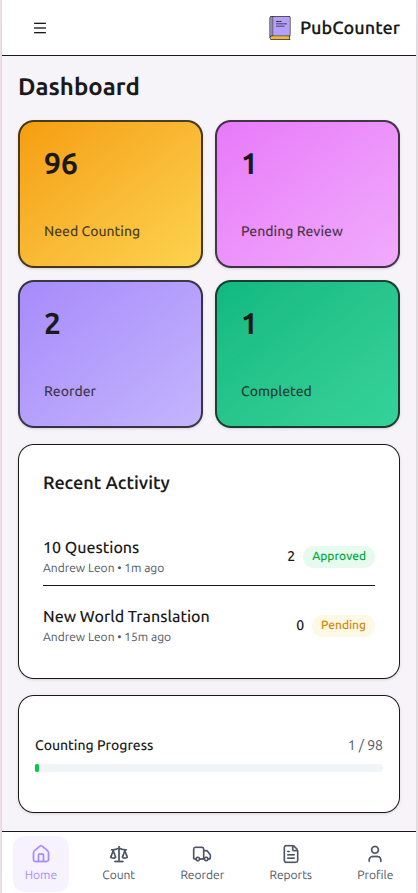
PubCounter streamlines the entire inventory process from counting to reporting, saving hours of manual work each month.
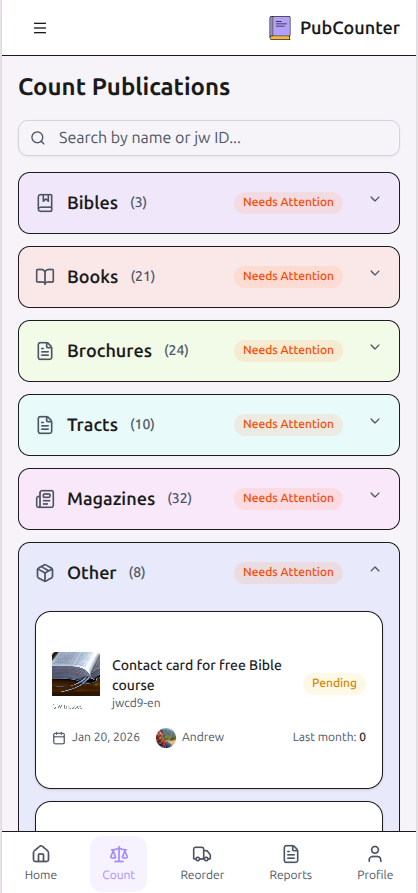
Weight-Based Counting
Count publications quickly using a scale. Calibrate once, then weigh stacks to get accurate counts in seconds.
Multi-Congregation Support
Manage multiple congregations in one Kingdom Hall. Each congregation has its own inventory and users.
PDF & Excel Reports
Generate professional reports with a single click. Export to PDF for printing or Excel for further analysis.
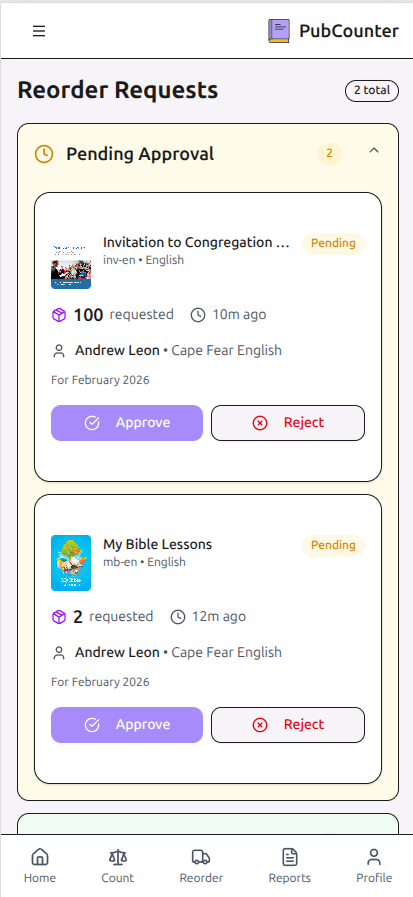
Reorder Management
Track reorder requests from submission to delivery. Get notified via Discord when orders are processed.
Role-Based Access
Three-tier permission system: users count and reorder instantly, admins manage congregation users, super admins manage publications.
Real-Time Sync
Changes sync instantly across all devices. Multiple users can count different publications simultaneously.
Become a Beta Tester
PubCounter is in open beta. Register your Kingdom Hall today for full access to every feature while we test with real congregations ahead of general release.
for your Kingdom Hall
No credit card required · Beta pricing will be announced in advance
Sign up in minutes, no commitment required
Have questions? Contact us
Get Started in Four Simple Steps
From signup to report generation, PubCounter guides you through the entire inventory management process.
Sign Up with Access Key
Get an access key from your Kingdom Hall administrator and create your account. Verify your email to complete setup.
Count Your Inventory
Use weight-based counting for speed or manual entry for precision. The app calculates quantities automatically from scale readings.
Submit Instantly
Counts save immediately and sync across devices — no waiting on admin approval. Admins can still edit a count directly if a correction is needed.
Generate Reports
Export professional PDF or Excel reports for your records. Integrate with Pubmate for automated JW Hub submissions.